📋 Analysis Summary
this document outlines and analysis of my obsidian note that covered the things that you see in this design plan. The objective is for you to get a glimpse into my thinking as a relates to building this application and my dialogue with my team as that happens.
The outcome from this work will be a functional application that ministers who are in training can use as the evangelize on the streets. This tool is meant to be used for educational purposes and gives the evangelist the ability to manage their own data inside the application improving their exposure to information needed to reach people and grow ministry.
One feature that might be important that isn’t described here that will be in a new release. Is the ability to load tracks and press a share button or send button to deliver that track to someone on the street. This will be a new method for evangelism and ministry because you don’t have to carry tracks around. They will be part of the system and you can use the assistance and text message emails and so forth.
My note covers:
- Evangelism History – Timeline from Early Church to 21st Century Digital Age
- Apostolic/Pentecostal Roots – Parham, Azusa Street, COOLJC, Bishop Lawson, Bishop Bonner
- Traditional vs Modern Evangelism – Methods, definitions, success measures
- Street Ministry – Public proclamation, relational evangelism
- COOLJC Beliefs – Oneness theology, Jesus-name baptism, holiness lifestyle
🎯 Plugin Vision: Street Evangelist Companion
A mobile-first Obsidian plugin for:
- Learning evangelism history and methods
- Planning street ministry outreach
- Tracking encounters and follow-ups
- Training with scripts, Q&A, and doctrine reference
- Journaling ministry experiences
🏗️ Build Phases
| Phase | Feature | Description |
|---|---|---|
| 1 | Core + Design System | Plugin scaffold, CSS design guide, navigation |
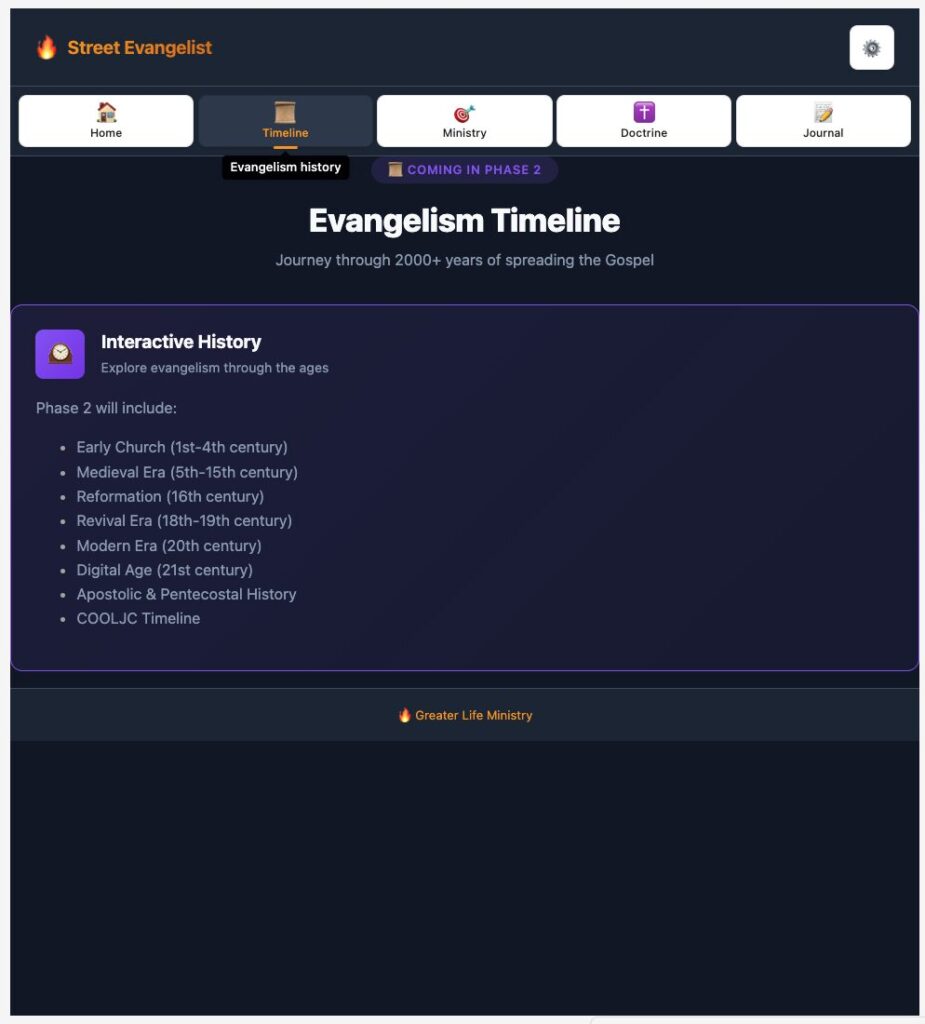
| 2 | Evangelism Timeline | Interactive history from Early Church to today |
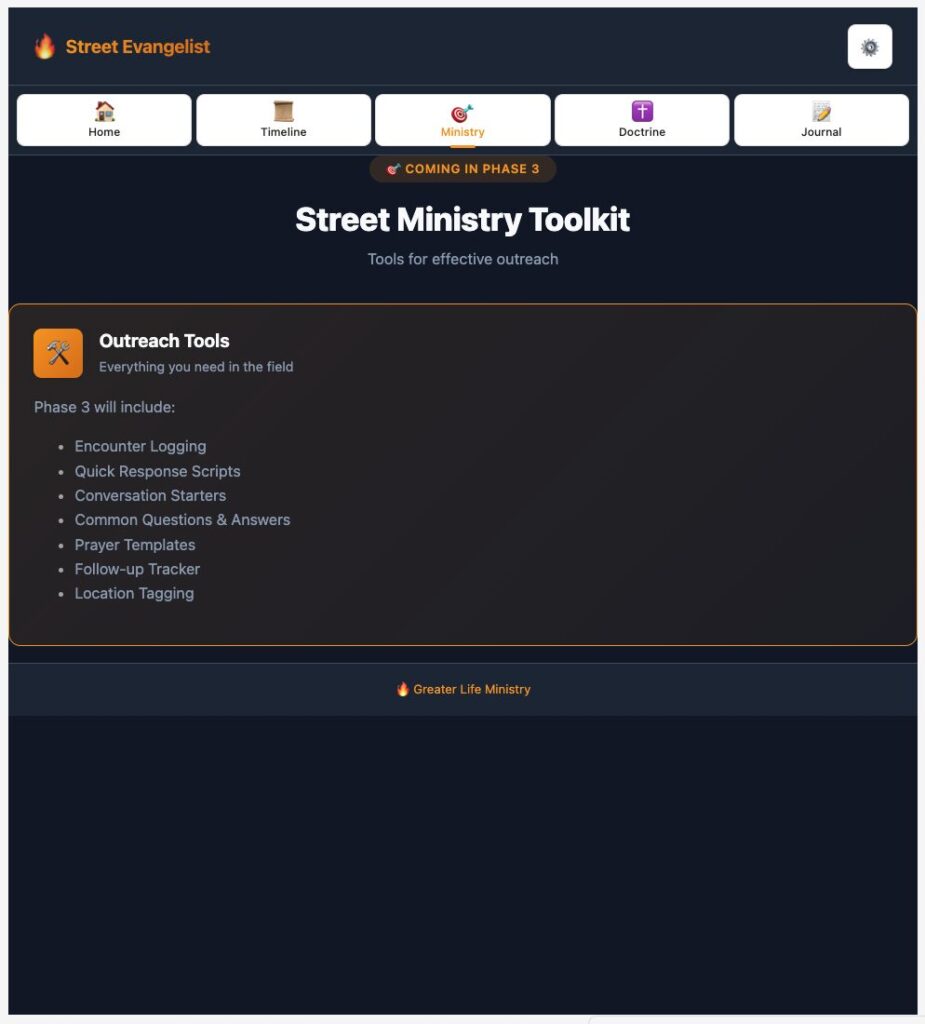
| 3 | Street Ministry Toolkit | Encounter tracker, scripts, quick responses |
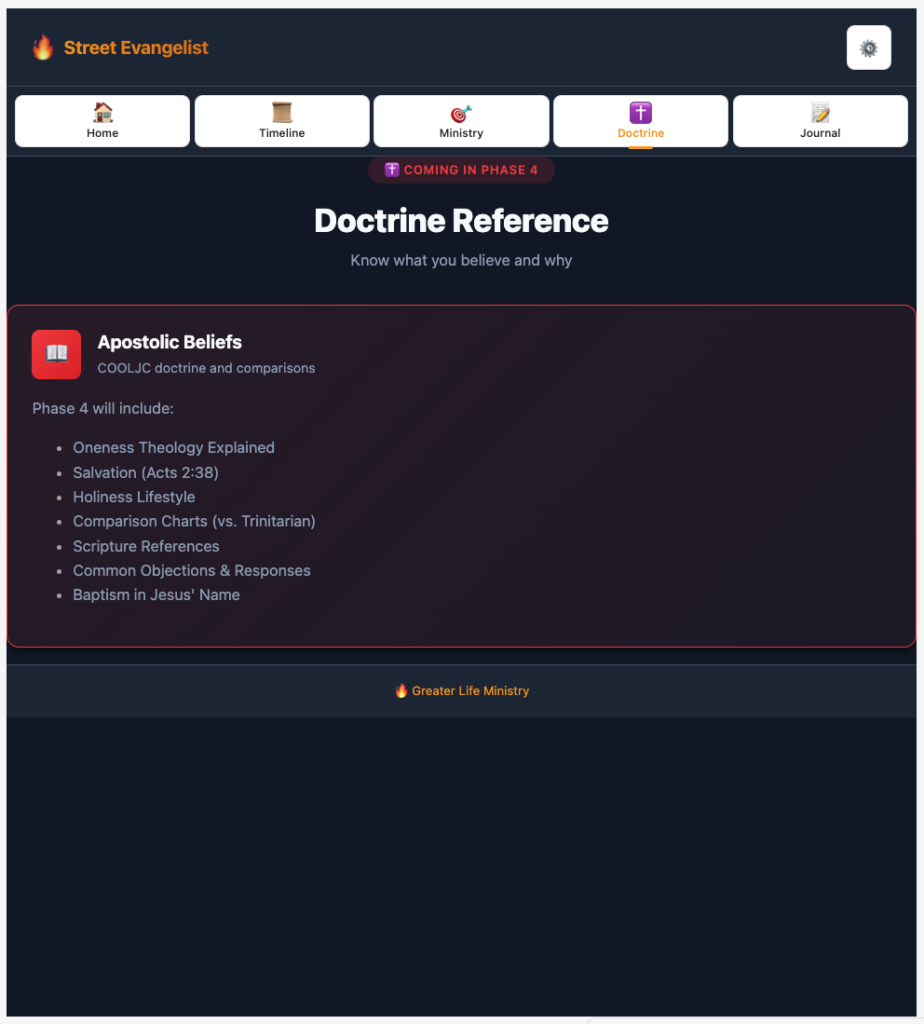
| 4 | Doctrine Reference | COOLJC beliefs, comparison charts, scriptures |
| 5 | Ministry Journal | Log encounters, prayer requests, follow-ups |
| 6 | Training Center | Q&A practice, scenarios, tips |
Ready to start Phase 1: Core Plugin + Design System?
This will include:
- Plugin manifest and TypeScript setup
- Mobile-first CSS design guide (custom properties, no Obsidian classes)
- Animated navigation with 5 main tabs
- Responsive container structure
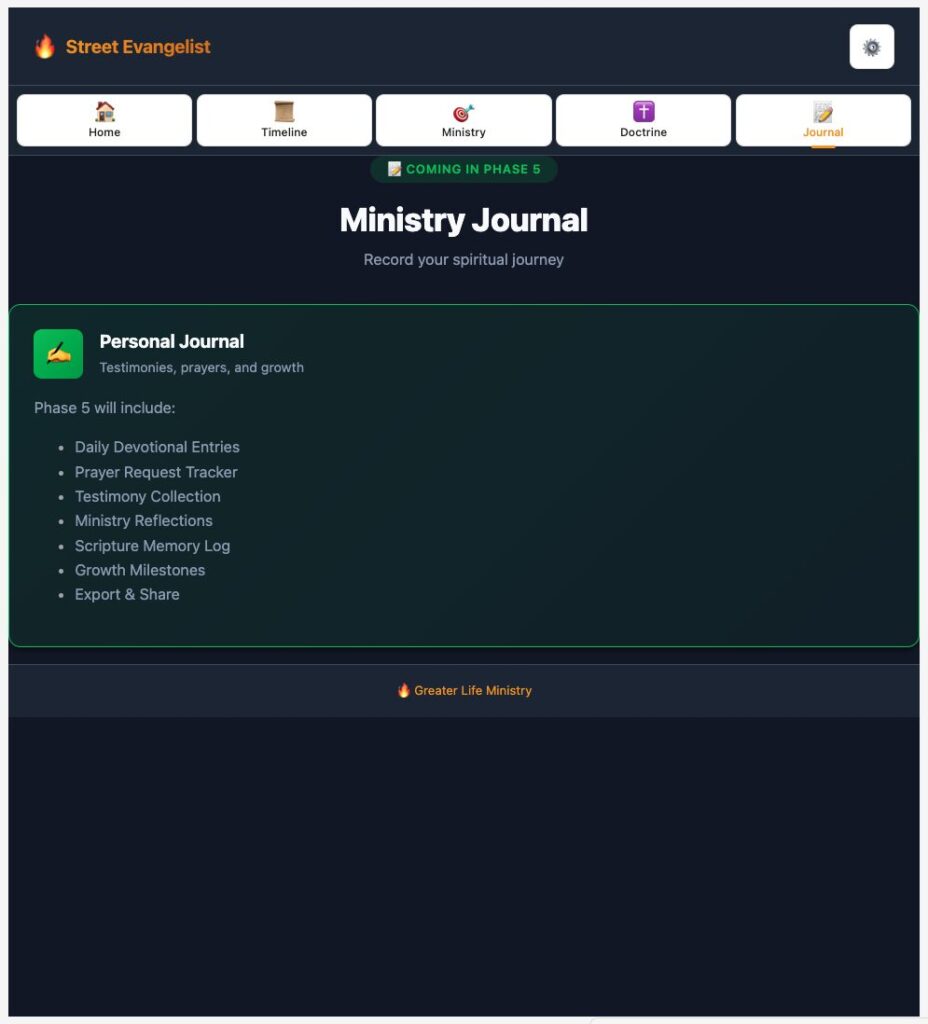
The plugin is built successfully. Here’s what Phase 1 includes:
✅ Phase 1 Complete: Core Plugin + Design System
📁 Files Created
| File | Purpose |
|---|---|
| manifest.json | Plugin metadata |
| package.json | Dependencies & scripts |
| tsconfig.json | TypeScript config |
| esbuild.config.mjs | Build configuration |
| DESIGN_GUIDE.md | CSS design system documentation |
| styles.css | Mobile-first CSS (~600 lines) |
| main.ts | Core plugin with navigation |
main.js | Compiled output |
🎨 Design System Highlights
Color Palette:
- 🟡 Gold (
--sec-gold) – Primary accent, harvesting theme - 🟣 Spirit (
--sec-spirit) – Prayer, spiritual elements - 🔴 Fire (
--sec-fire) – Revival, urgency - 🟢 Hope (
--sec-hope) – Growth, success - 🔵 Water (
--sec-water) – Baptism, peace
Features:
- Dark theme for outdoor visibility
- 44px+ touch targets for mobile
- Smooth animations (fade, slide, bounce)
- No Obsidian classes – fully custom
🧭 Navigation Tabs
| Tab | Icon | Description |
|---|---|---|
| Home | 🏠 | Dashboard with stats & scripture |
| Timeline | 📜 | Evangelism history (Phase 2) |
| Ministry | 🎯 | Street outreach tools (Phase 3) |
| Doctrine | ✝️ | Beliefs & references (Phase 4) |
| Journal | 📝 | Ministry journal (Phase 5) |
📱 To Test
- Reload Obsidian (Cmd+R or restart)
- Enable “Street Evangelist Companion” in Settings → Community Plugins
- Click the 🔥 flame icon in the ribbon
Ready for Phase 2: Evangelism Timeline? This will add the interactive history from Early Church → Digital Age with Apostolic/Pentecostal milestones.
![[Street Evangelism Companion.png]]
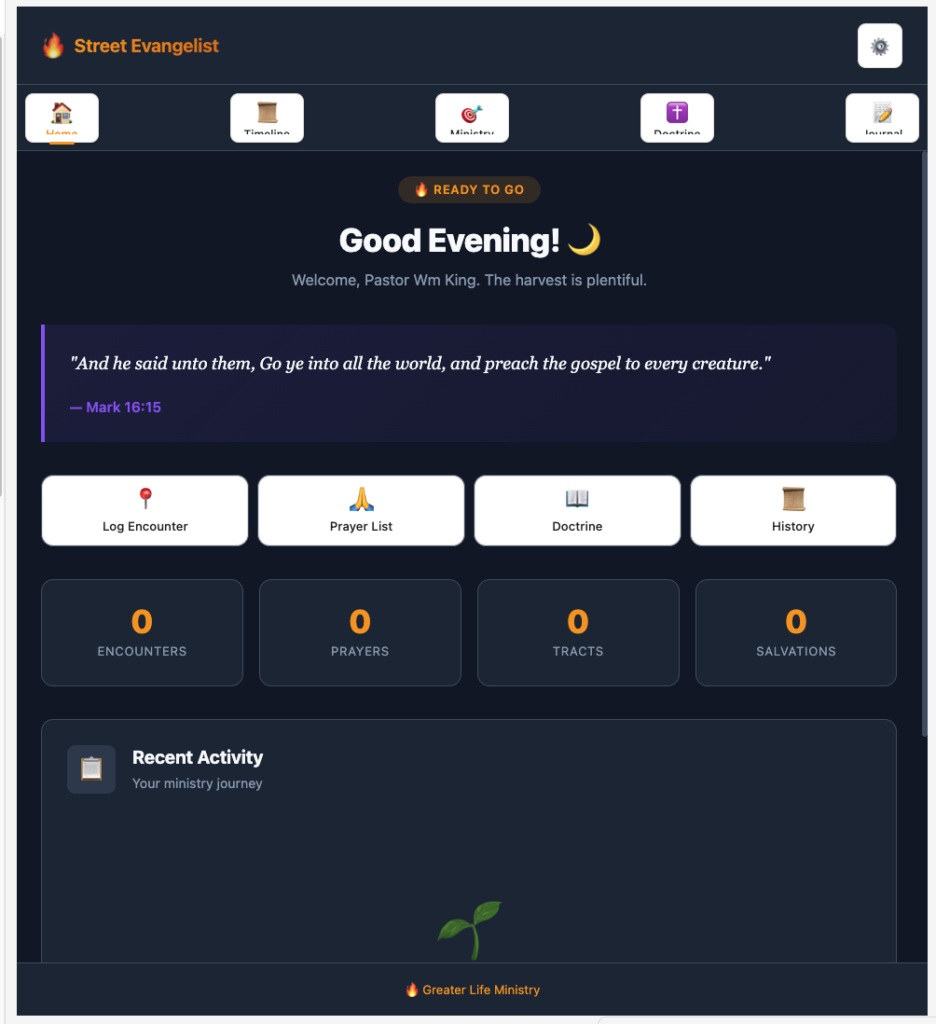
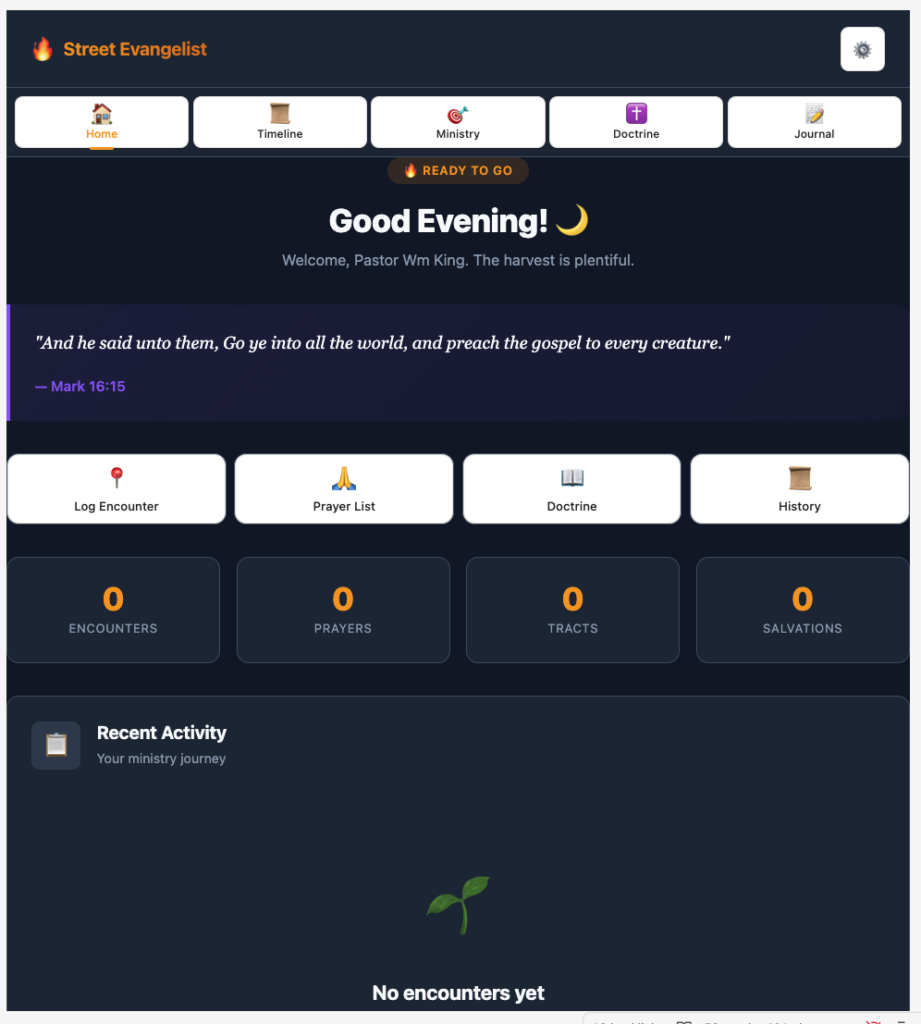
Done! Here’s what I fixed:
Navigation Tabs:
- Changed from
justify-content: space-aroundtospace-betweenwith small gaps - Used
flex: 1withmin-width: 0so tabs flex evenly - Reduced icon size from
1.5rem→1.25rem(mobile:1.125rem) - Added
max-width: 72pxto prevent oversized tabs - Added text overflow handling for labels
Action Buttons:
- Reduced icon size from
1.75rem→1.5rem(mobile:1.25rem) - Added
min-height: 70pxfor consistent sizing - Added
text-align: centerandword-break: break-wordfor text overflow - Better padding:
12px 8pxinstead of using CSS vars
Reload Obsidian (Cmd+R or close/reopen) to see the changes. The navigation tabs and action buttons should now fit properly on mobile and desktop.
Updated the DESIGN_GUIDE.md with the new standards:
Key Changes:
- Added explicit pixel rule – “Use explicit pixel values for component sizing (not rem/em)”
- New Component Sizing Standards section with tables for:
- Navigation Tabs (desktop vs mobile)
- Action Buttons (desktop vs mobile)
- Standard Buttons (default/small/large)
- Cards
- Icon + Label Pattern – Standard CSS pattern to use for all icon+label components
- Updated spacing system – Changed from rem to px values
- Updated border radius – Changed from rem to px values
- Critical Rules section at the end with 5 rules including:
- Never use rem/em for component heights
- Always set min-height on interactive elements (44px min)
- Use display: block +
line-height: 1for icons and labels - Test on mobile viewport before finalizing
This will be the reference standard for Phases 2-5 of the build.
Home
Settings

Timeline
Ministry
Doctrine
Journal